
The way we digitize documents has changed dramatically. While traditional scanners once dominated offices, smartphone cameras now offer a compelling alternative. With modern OCR tools, images captured on a phone can quickly be converted from JPG to Word, allowing users to transform photos of documents into editable text. Understanding the strengths and weaknesses of each will help you choose the right tool for the job.
Mobile scanning: convenience in your pocket
Modern smartphones use their cameras and intelligent software to capture document images. The software can automatically detect edges, correct perspective, enhance contrast, and convert the image to a PDF in seconds.
Advantages:
- Always available: Your phone is always with you.
- No extra cost: Most phones already have capable cameras.
- Instant sharing: Scan and immediately email or upload.
- Location flexibility: Scan anywhere with decent lighting.
- Bound documents: Easily scan books and magazines.
- Automatic processing: Edge detection and perspective correction are built-in.
Limitations:
- Lighting dependent: Requires good ambient light.
- Inconsistent quality: Results vary with user technique and conditions.
- Slower for batches: Each page must be captured individually.
- Lower resolution: Limited compared to dedicated scanners.
- Shadows and glare: Common issues that take practice to avoid.

Flatbed scanners: maximum quality
A flatbed scanner has a glass plate where you place documents face-down. A sensor bar moves beneath the glass, capturing a precise, high-resolution image.
Advantages:
- Superior quality: Consistent, high-resolution output every time.
- Color accuracy: Calibrated for accurate photo and graphic reproduction.
- No lighting issues: The built-in light source eliminates shadows.
- Sharpness: Direct contact with the glass ensures a flat, sharp scan.
- Delicate materials: Safe for old photos and fragile documents.
- Film and slides: Many models include transparency adapters.
Limitations:
- Slow for batches: Requires manual, page-by-page operation.
- Not portable: It’s a desktop device that needs a power outlet.
- Thick books: The spine curvature can cause blur near the center.
- Takes up space: Requires a permanent spot on your desk.
Sheet-fed scanners: speed and automation
Documents are loaded into an automatic document feeder (ADF) that pulls each page through, enabling rapid batch scanning.
Advantages:
- Batch processing: Scan dozens of pages unattended.
- Duplex scanning: Capture both sides of a page at once.
- Compact design: smaller footprint than a flatbed scanner.
- Business efficiency: Ideal for digitizing paper archives.
- OCR integration: Often bundled with professional OCR software.
Limitations:
- Loose sheets only: Cannot scan books or rigid items.
- Paper jams: Worn or creased paper can cause issues.
- Higher cost: More expensive than basic flatbed scanners.
- Document prep: Staples, clips, and folds must be removed first.
Quality comparison
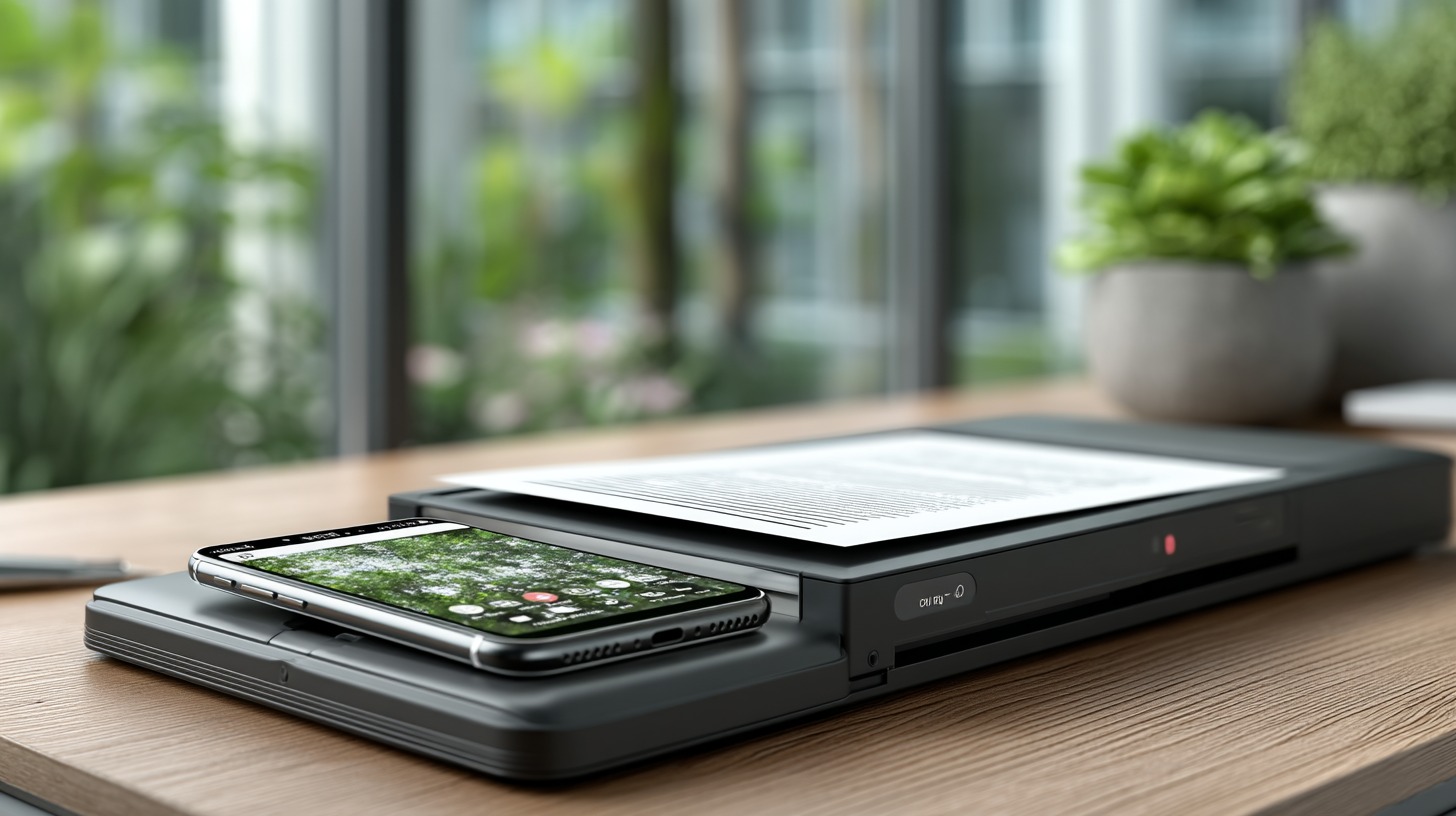
A typical 12-megapixel phone camera captures an image at roughly 350 DPI for a standard letter-sized document. Traditional scanners offer 600, 1200, or even higher DPI for archival quality. While both methods can produce text clear enough for OCR, a dedicated scanner’s output is more consistent. Scanners also provide more accurate color, which is important for photos and artwork.
Best use cases
Choosing between your phone and a dedicated scanner depends on what you need to scan and why.
Choose mobile scanning for:
- Scanning while traveling.
- Occasional receipts, cards, or notes.
- Quick captures for immediate sharing.
- Scanning pages from books or magazines.
- When a dedicated scanner is not in the budget.
Choose a flatbed scanner for:
- High-quality scans of photos, artwork, or graphics.
- Archiving important documents for long-term storage.
- Fragile, old, or irreplaceable documents.
- Scanning film negatives or slides.
Choose a sheet-fed scanner for:
- Digitizing large paper archives.
- Regular office document workflows.
- Situations where time efficiency is critical.
- Scanning standard, loose-leaf documents.
- When you need to scan two-sided pages.
Tips for better mobile scanning:
- Use natural light: Position your document near a window.
- Avoid shadows: Be careful not to block the light with your body or phone.
- Steady your hand: Brace your arm against a surface to prevent blur.
- Use a dark background: This helps the app’s edge detection.
- Clean your lens: A smudged lens will reduce image quality.